Raspberry Pi IoT In C - VS Code Remote C
Written by Harry Fairhead   
Monday, 05 October 2020
Article Index
Raspberry Pi IoT In C - VS Code Remote C
Tasks
Arm Headers

If you want to make sure that you have all of the ARM headers for your program you can enter and run the following task:

{
  "label": "copyARMheaders",
  "type": "shell",
  "command": "mkdir ${workspaceFolder}/include/;
       scp -r  ${config:sshUser}@${config:sshEndpoint}:
             /usr/include ${workspaceFolder}/include/ ",
  "problemMatcher": [],
   "presentation": {
        "showReuseMessage": true,
        "clear": true
   }
}

This copies all of the headers to a new include folder. You will also need to add:

#define __ARM_PCS_VFP

to the start of some of your programs to make all of the spurious intelligent errors go away. This symbol is defined by the compiler at run time to select hardware or software floating point operations. Programs that use headers that depend on the hardware specification generate errors on the local machine as they don’t know the configuration. Notice that none of this has any effect on the program that runs on the remote machine it simply suppresses errors that you see on the local machine as VS Code attempts to find pre-compile errors.

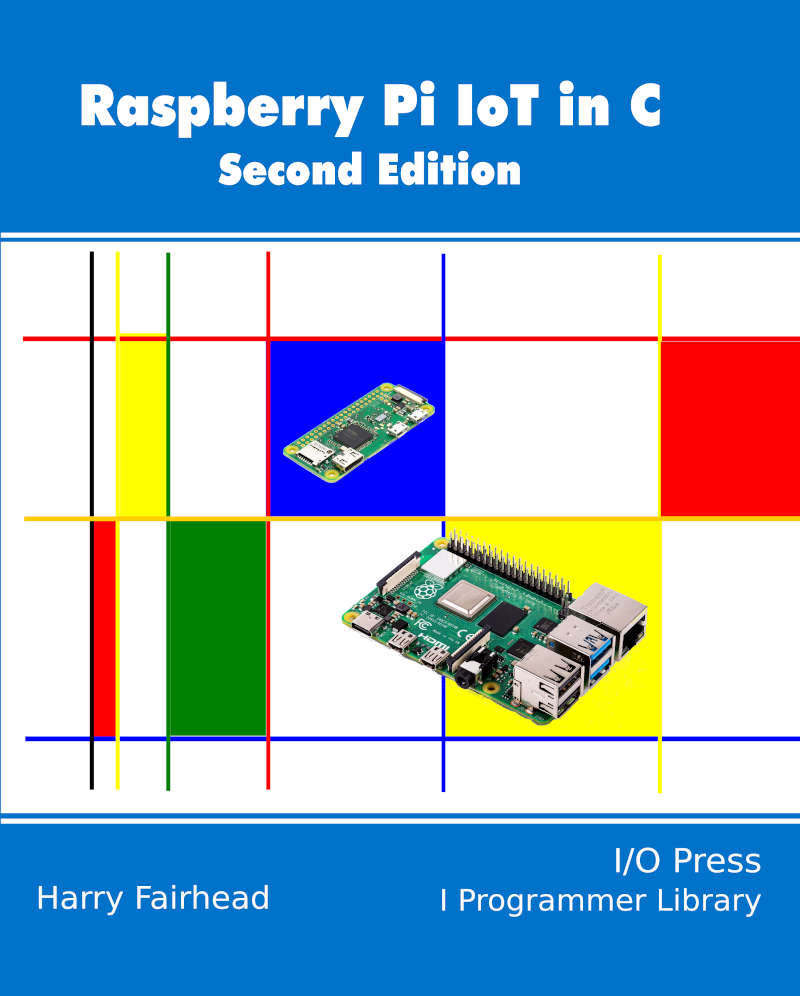
FrontCover800

The complete tasks.json is:

{
 "version": "2.0.0",
 "tasks": 
   {
    "label": "copyToRemote",
    "type": "shell",
    "command": "scp -r ${fileDirname} ${config:sshUser}@
       ${config:sshEndpoint}:${config:remoteDirectory}/",
    "problemMatcher": [],
    "presentation": {
     "showReuseMessage": false,
     "clear": true
    }
  },
  {
     "label": "copyHeader",
     "type": "shell",
     "command": "mkdir ${workspaceFolder}/headers/ ;
       scp -r  ${config:sshUser}@${config:sshEndpoint}:
          ${config:header} ${workspaceFolder}/headers/ ",
     "problemMatcher": [],
     "presentation": {
      "showReuseMessage": false,
      "clear": true
     }
   },
   
   {
     "label": "buildRemote",
     "type": "shell",
     "command": "ssh ${config:sshUser}@
${config:sshEndpoint}  'gcc -g -std=${config:std} ${config:remoteDirectory}/${relativeFileDirname}/ ${fileBasename} ${config:libs} -o${config:remoteDirectory}/${relativeFileDirname}/ ${fileBasenameNoExtension}.exe'", "problemMatcher": [], "presentation": { "showReuseMessage": false, "clear": false } }, { "label": "runRemote", "type": "shell", "command": "ssh ${config:sshUser}@${config:sshEndpoint}  '${config:remoteDirectory}/${relativeFileDirname}/ ${fileBasenameNoExtension}.exe'", "problemMatcher": [ "$gcc" ], "presentation": { "showReuseMessage": true, "clear": false } }, { "label": "CopyBuildRunRemote", "dependsOrder": "sequence", "dependsOn": [ "copyToRemote", "buildRemote", "runRemote" ], "problemMatcher": [], "group": { "kind": "build", "isDefault": true } }, { "label": "CopyBuildRemote", "dependsOrder": "sequence", "dependsOn": [ "copyToRemote", "buildRemote", ], "problemMatcher": [], }, { "label": "StopREmoteC", "type": "shell", "command": "ssh ${config:sshUser}@
${config:sshEndpoint} 'pkill ${fileBasenameNoExtension}.exe'", "problemMatcher": [], "presentation": { "showReuseMessage": true, } }, { "label": "copyARMheaders", "type": "shell", "command": "mkdir ${workspaceFolder}/include/; scp -r  ${config:sshUser}@${config:sshEndpoint}:
/usr/include ${workspaceFolder}/include/ ", "problemMatcher": [], "presentation": { "showReuseMessage": true, "clear": true } }, ], }

All of the files can be downloaded from iopress.info.

Raspberry Pi And The IoT In C Second Edition

By Harry Fairhead

FrontCover800

Buy from Amazon.

Contents

  1. Why Pi For IoT?
  2. Getting Started
  3. Getting Started With The GPIO
  4. Simple Output
  5. Some Electronics
  6. Simple Input
  7. GPIO The Linux Way
       Extract 1:The Linux GPIO Driver 
  8. Advanced Input – Events, Threads, Interrupts
       Extract 1: Events & Interrupts 
  9. Pulse Width Modulation - Servos And More
       Extract 1:Basic Pulse Width Modulation 
  10. Using The I2C Bus
  11. The DHT22 Sensor Implementing A Custom Protocol
  12. Exploring - 1‑Wire Bus Basics ***NEW!
  13. Using iButtons
  14. DS18B20 Temperature Sensor
      Extract 1: The DS18B20 Temperature Sensor 
  15. The Multidrop 1‑Wire Bus
  16. The Serial Port
      Extract 1: 1-wire Via Serial 
  17. Getting Started With The SPI Bus
  18. A to D With The SPI Bus
  19. Connecting With The Web - Sockets
  20. Memory-Mapped GPIO
  21. Almost Real-Time Linux
  22. Appendix I GPIO Sysfs Interface

 <ASIN:1871962633>

<ASIN:B08KLNT2JC>

To be informed about new articles on I Programmer, sign up for our weekly newsletter, subscribe to the RSS feed and follow us on Facebook or Linkedin.

Banner


Atlas Production Ready This Year
18/01/2026

The latest incarnation of Boston Dynamics' Atlas Robot took to the stage at CES 2026. Hyundai announced that it plans to deploy tens of thousands of the humanoid robot in its own manufacturi [ ... ]


TypeScript 7 On Course For Early 2026
30/12/2025

Microsoft says work on the next two versions of TypeScript is going well, with both TypeScript 6 and 7 on course to appear in early 2026. TypeScript 7.0 is the version that is being rewritten in nativ [ ... ]


More News

pico book


Comments


or email your comment to: comments@i-programmer.info


Last Updated ( Monday, 05 October 2020 )