| Life in Silverlight 4 |
| Written by Mike James | |||||||||
| Wednesday, 07 July 2010 | |||||||||
Page 5 of 5

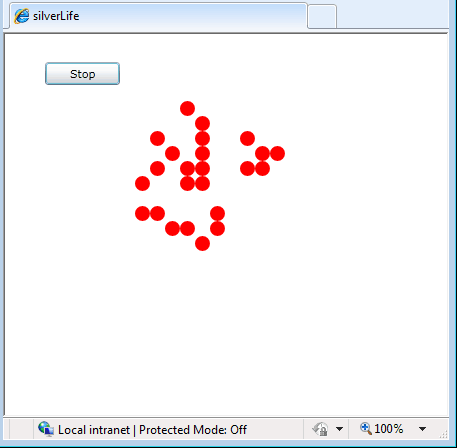
Trying it outThat’s all there is to the logic of Life and at this point you can enter a pattern and see how it develops.
A pattern developing Of course this being a Silverlight application there is no barrier to trying it out within this web page. As long as you have Silverlight 4 installed you should be able to see the Run button and the empty grid ready for you to draw some patterns:
From this point there is a lot that can be added to the basic project. Add a style to the Ellipses so that they look better, display each ellipse in a color that depends on the number of neighbours they have, add a save and load option etc.
To access the code for this project, once you have registered, click on CodeBin.
<ASIN:0470534044 > <ASIN:1430225491 > <ASIN:1430219505 > <ASIN:1847199763 > <ASIN:1430230185 > |
|||||||||
| Last Updated ( Monday, 30 October 2023 ) |